
Messaging, built for families
The connection you want for your child.
None of the stuff you don't.
Shoal lets your kids stay in touch — with you, extended family and their close friends. No strangers, no feeds, no open internet: just the people you've chosen, on a device they've already got.
How Shoal works
Three rules that change everything else.
The bigger idea
A messaging app that lets a smartphone stay dumb.
Staying close to family and friends is part of growing up — the open internet, social feeds, and stranger DMs that come bundled with a smartphone aren't. Shoal gives your child a real messaging app for the people you've chosen together, so an old phone becomes a way to stay in touch and nothing else.
Skins
An interface that grows with your child.
Shoal isn't one app with a kids' mode bolted on. Choose a skin for each child and the whole interface changes — what they see, what they can do, how much reading it asks of them — while everyone stays in the same conversations.
It works in both directions: a parent's typed message can be spoken aloud for a child too young to read it, and a child's voice note can be transcribed for a parent who can't listen right now. The same conversation, met where each person is.
What's in the app
The features we built Shoal for.
We've built the ordinary parts of a messaging app well. The extraordinary parts — the ones below — are what made us build Shoal in the first place.
And of course, all the things you'd expect from a messaging app — voice notes, voice and video calls, read receipts, push notifications, offline support, install-anywhere. See the full feature list
When Shoal makes sense
Whose conversations is Shoal for?
-
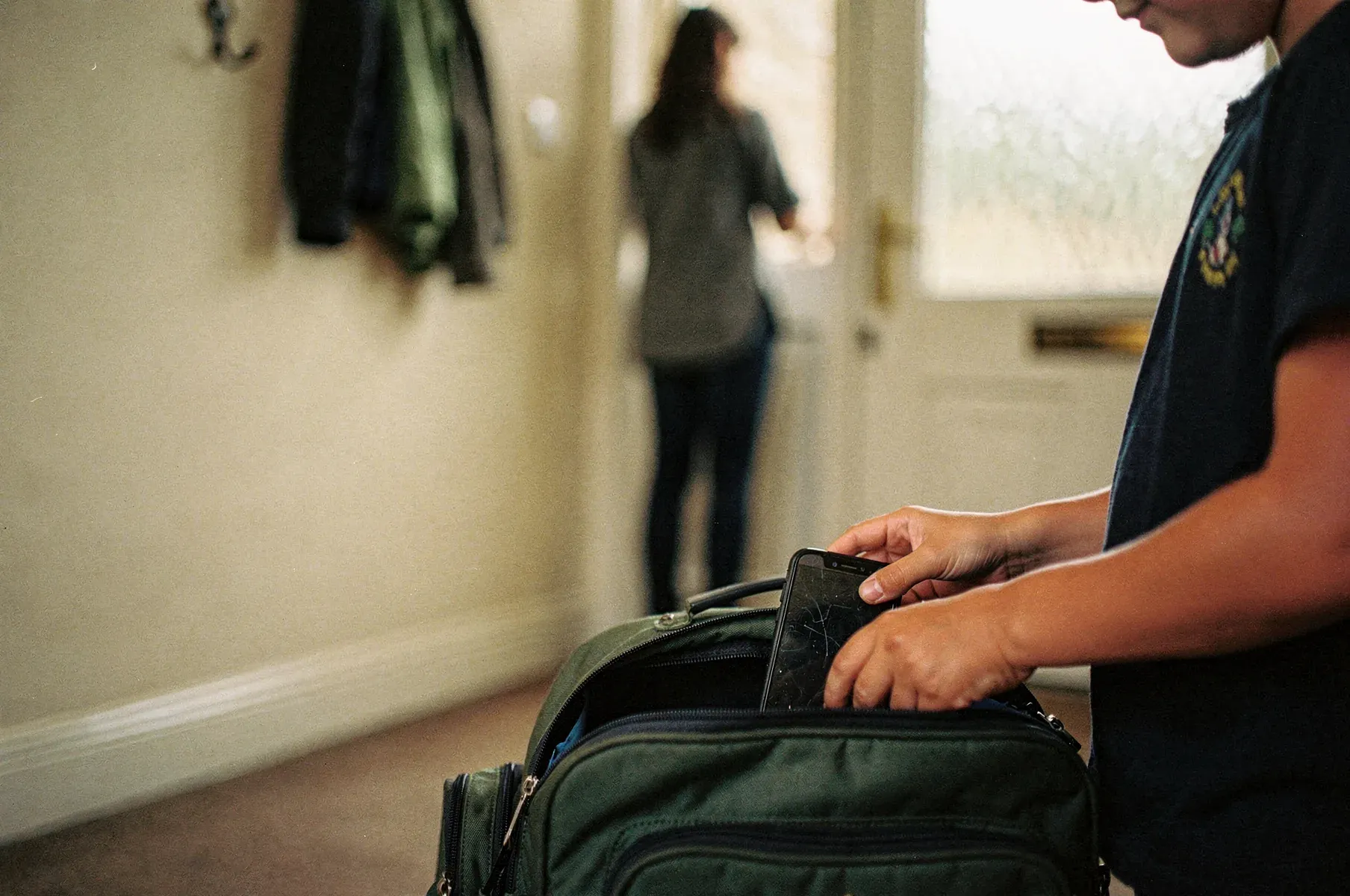
Parents delaying the smartphone
A smartphone-free childhood, without skipping the messaging
Turn an old phone into a safe way for your child to stay in touch with family and friends — no smartphone required.
See the story -

Parents of children stepping into independence
First steps of independence
When they start walking home alone, going to the corner shop, or spending an hour at home before you're back — they can reach you, and only you.
See the story -

Parents of young children
A first messaging app for young children
A safe, simple chat for the youngest member of the family — without an email address or a phone number.
See the story
Questions families ask
Frequently asked questions
What age range is Shoal for?
Shoal is built for the years before a first smartphone — from kids who can't read yet through to early teens. Rather than fix an age, you choose a skin that fits where your child is: a voice-and-video interface for pre-readers, a fuller one for confident readers, and the standard app for teens. A child can move between skins as they grow, and there's no enforced minimum.
Does my child need their own phone to use Shoal?
No. Shoal works on any device with a browser — a shared family tablet, an old phone with the SIM removed, or a laptop. You can pair a device to a child without giving them an account or an email address.
Do my child's friends need to be on Shoal too?
For your child to chat with a friend, yes — that friend's family also needs a Shoal account, and both sides' family admins need to approve the connection. There's no SMS bridge to non-Shoal users. That's the trade-off for the walled garden.
What happens when my child outgrows Shoal?
You cancel, or pause if there's a younger sibling who'll need it in a few years. Shoal is built for the years before a teenager wants their own real phone — we don't try to keep teens on a parental-oversight app forever.
Is Shoal end-to-end encrypted?
Messages are encrypted on the sending device and decrypted on the recipients' devices, and in normal operation nothing we run reads your conversations. Family admins can read children's conversations because their keys are wrapped into the conversation at creation, not because we have a back door. There is one architectural caveat, and we don't paper over it — the fuller picture is on the security page.
Will my child get notifications outside the chat windows?
No. Outside the windows you've set, push notifications are suppressed and the app doesn't show new messages on that child's device until the next window opens.
Start using Shoal with your family.
Try Shoal free for 90 days. Sign in with email, Google, or Apple, create a family, and invite the people who matter.