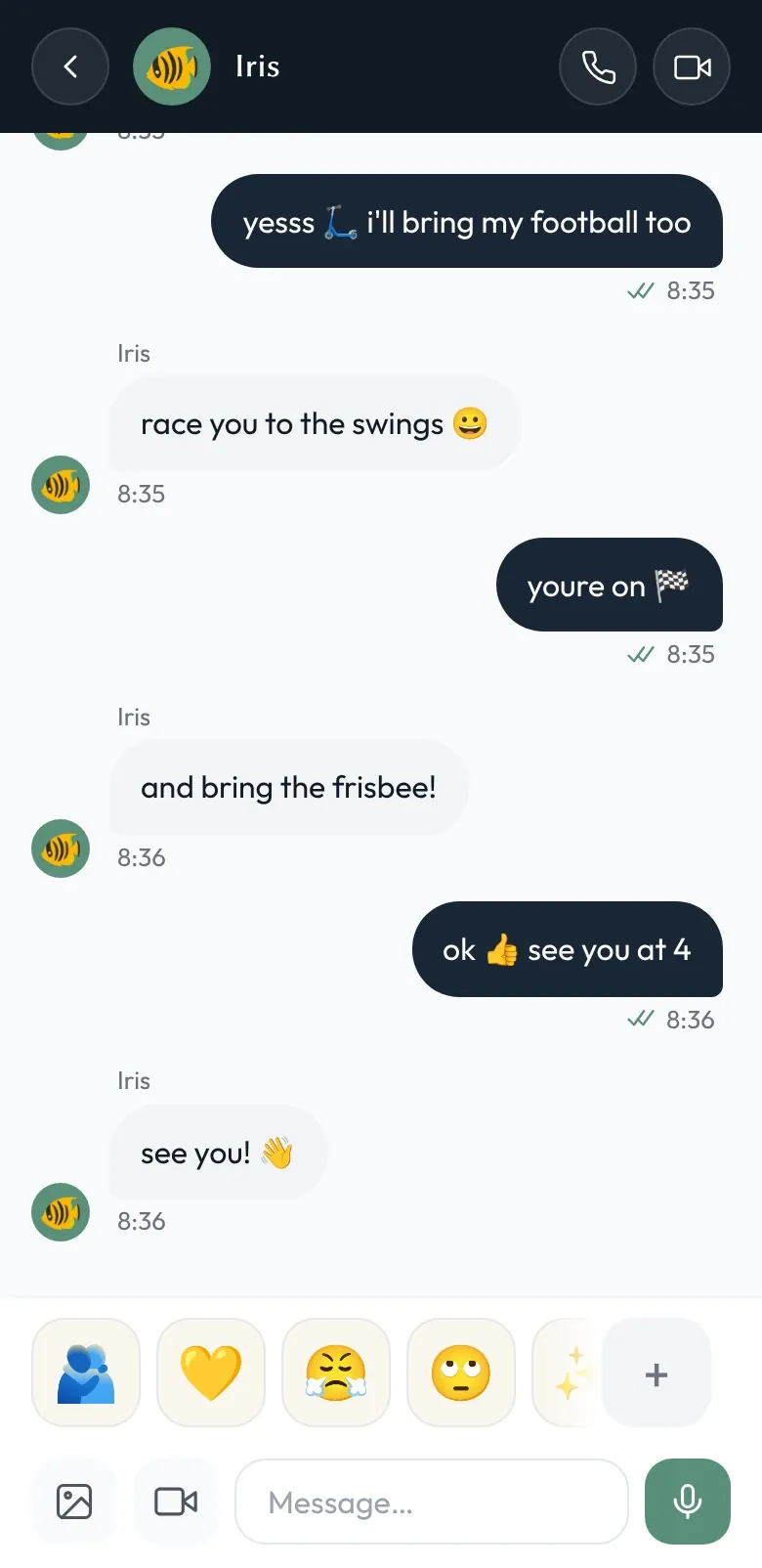
How does my child chat with a friend from another family?
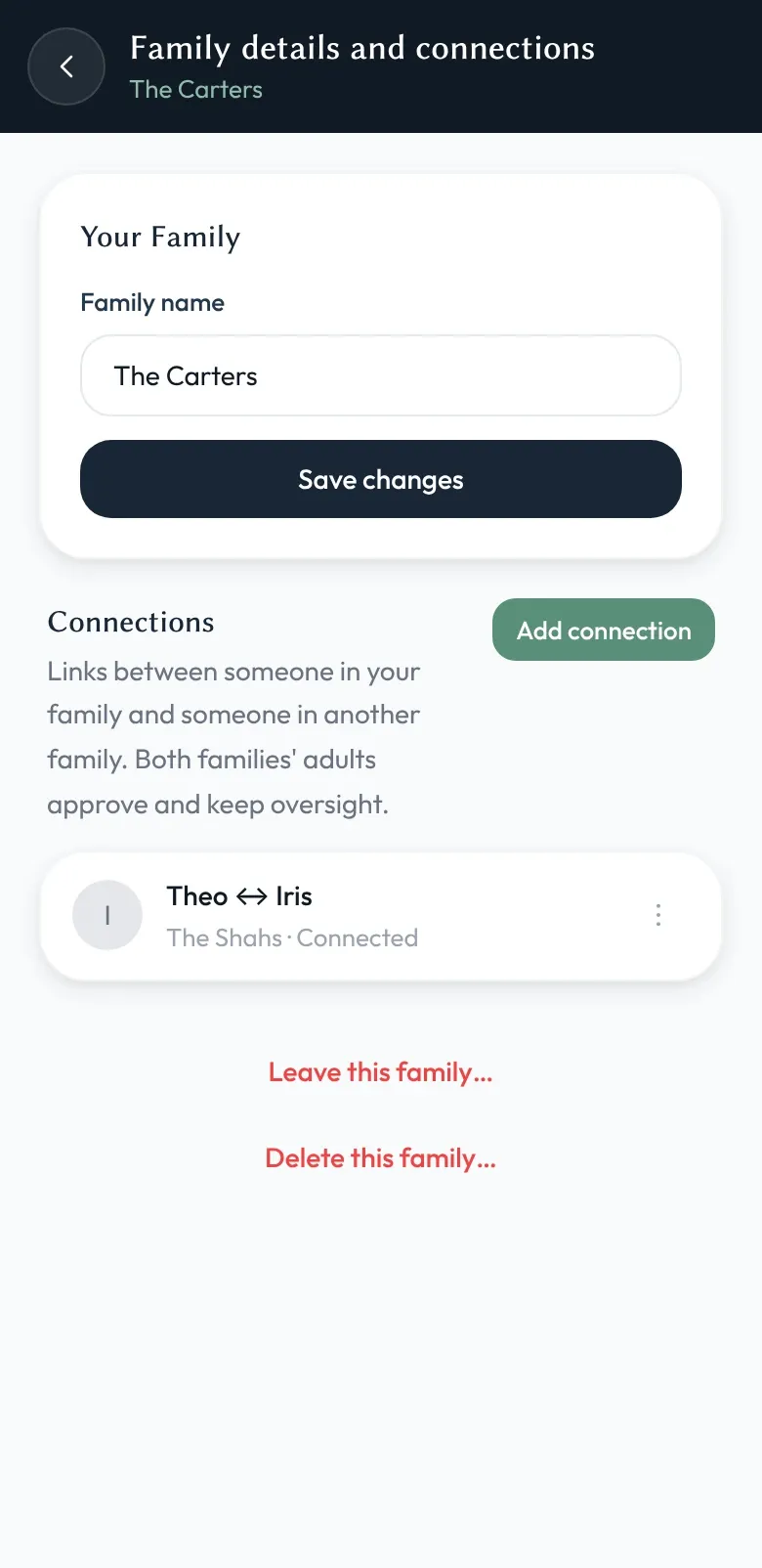
When your child wants to chat with a friend in another family, a family admin (usually a parent, but any adult you trust) starts a Connection: in Settings → Family → Connections, they tap Add connection, choose your child, and send the link to the friend’s parent. A family admin in the other family opens it, chooses their child, and accepts. Only then does the conversation exist.
Your child doesn’t see any of that machinery — just their friend’s name in their list of chats.
Either family’s admins can end the connection at any time. Ending it stops new messages between the two children. Messages already received stay on the devices that received them — ending a connection isn’t a way to un-send what’s already been seen.
Why we built it like this
Children’s friendships don’t follow tidy boundaries. Cousins, classmates, kids your kids meet on holiday — they all want to stay in touch, and most of the time the conversation is harmless. The risk isn’t that kids talk to other kids. The risk is that those conversations happen on platforms designed for engagement metrics and adults.
Shoal makes the safe path the easy path. Two-sided approval means no one is added without genuine consent. Both families’ admins can read the conversation, so there’s accountability on both sides. And because each Connection has its own encryption key — shared between the two families without either family’s own key ever leaving home — ending it really does close the door.
The principle
Friends are good. Strangers aren’t. Approval is the middle path.
Connections in Shoal are deliberate by design. They take a few extra seconds to set up. That’s the point.