Features
Every feature, called out.
We build slowly, on purpose. Every feature in Shoal is here because we thought a family would need it. Here's what's in the app today.
Only people you approve
Admin oversight, by design
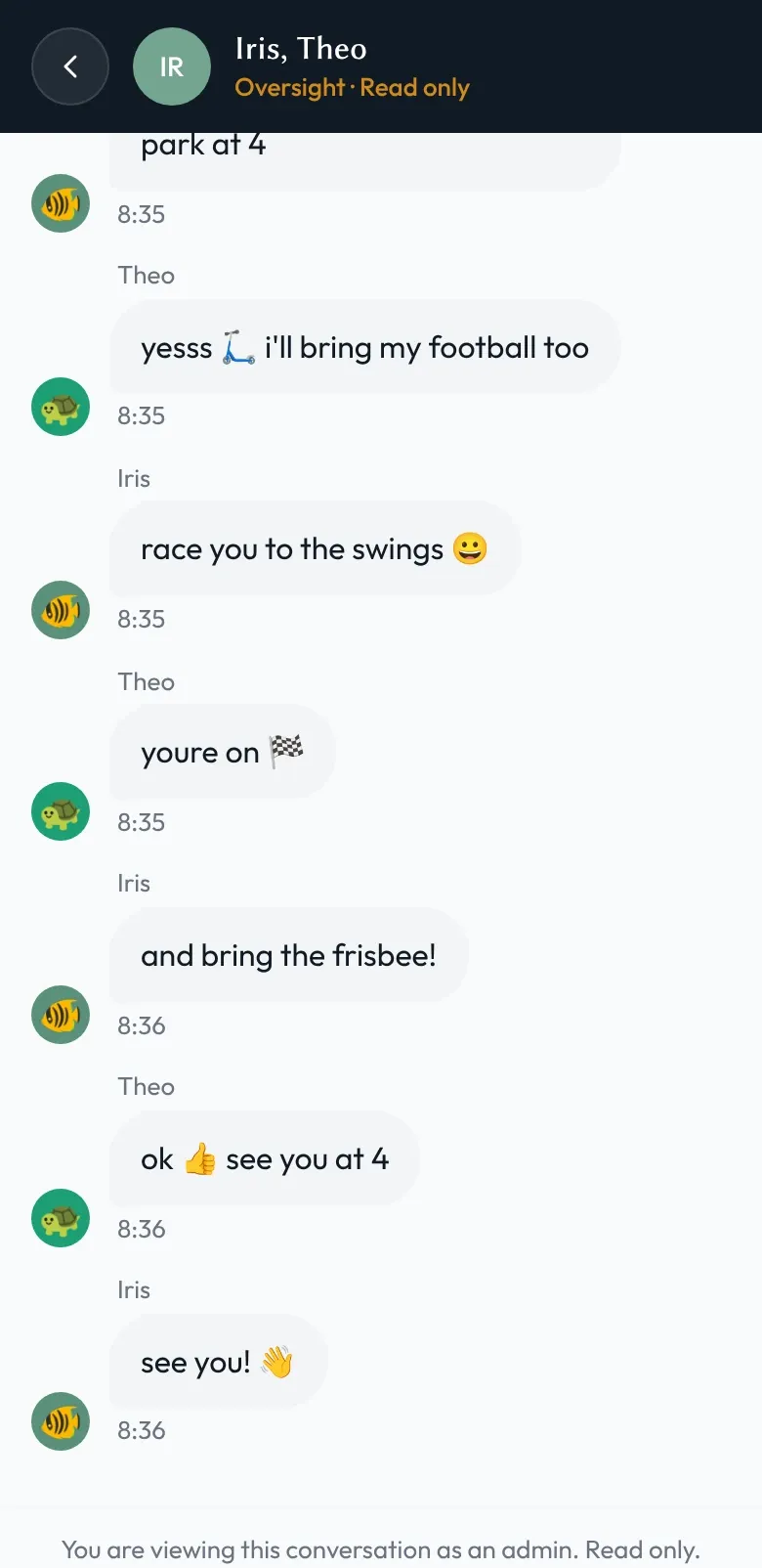
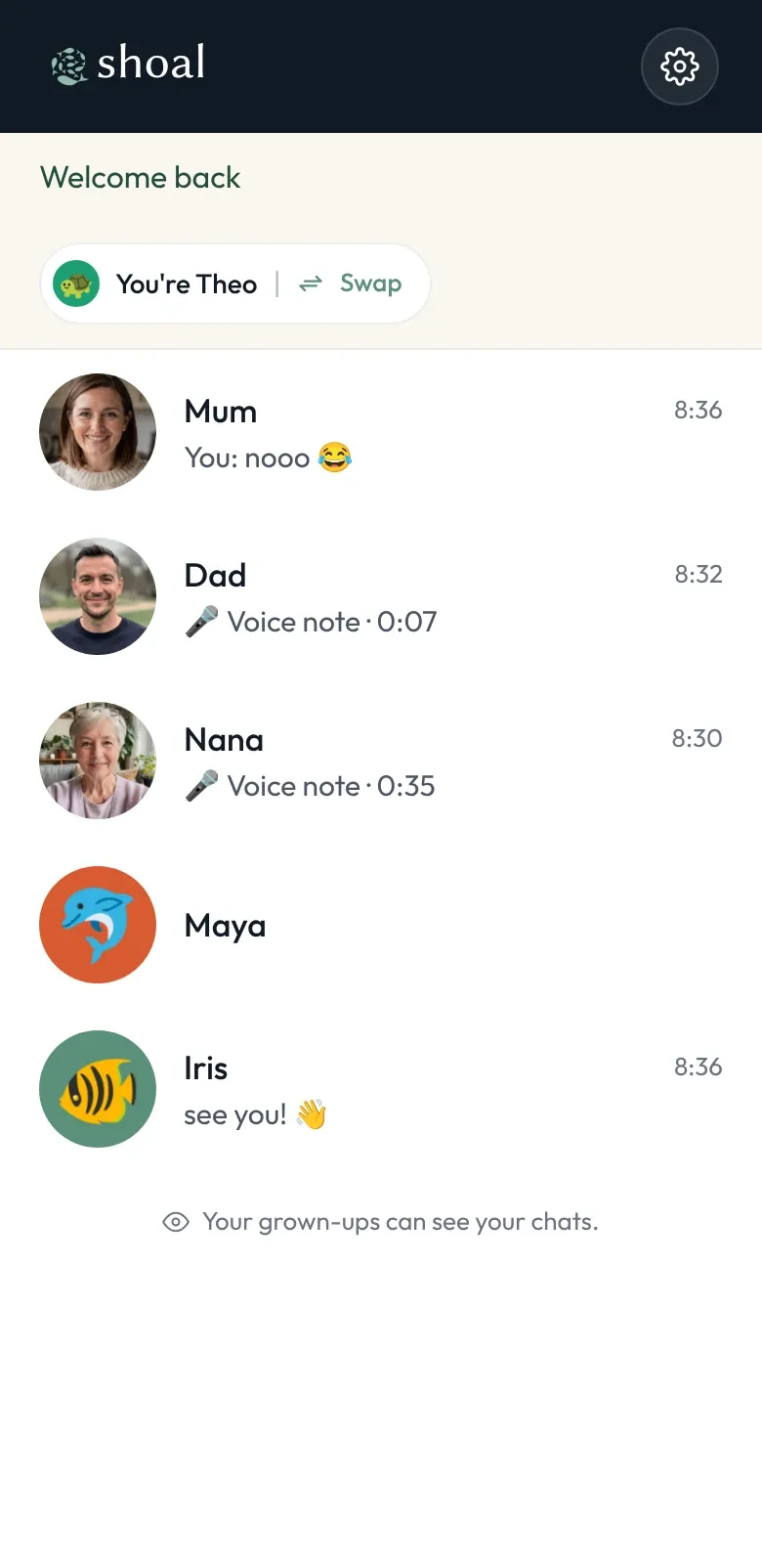
Family admins can read children's chats — that's how the safety features work. It's a visible part of Shoal, not a hidden setting.
- Family admins can read every chat a child in the family takes part in, read-only.
- That includes chats with a friend from another family, whose own admins can read them too.
- Adults' chats with each other aren't part of it, and children are told their grown-ups can see their chats.
-
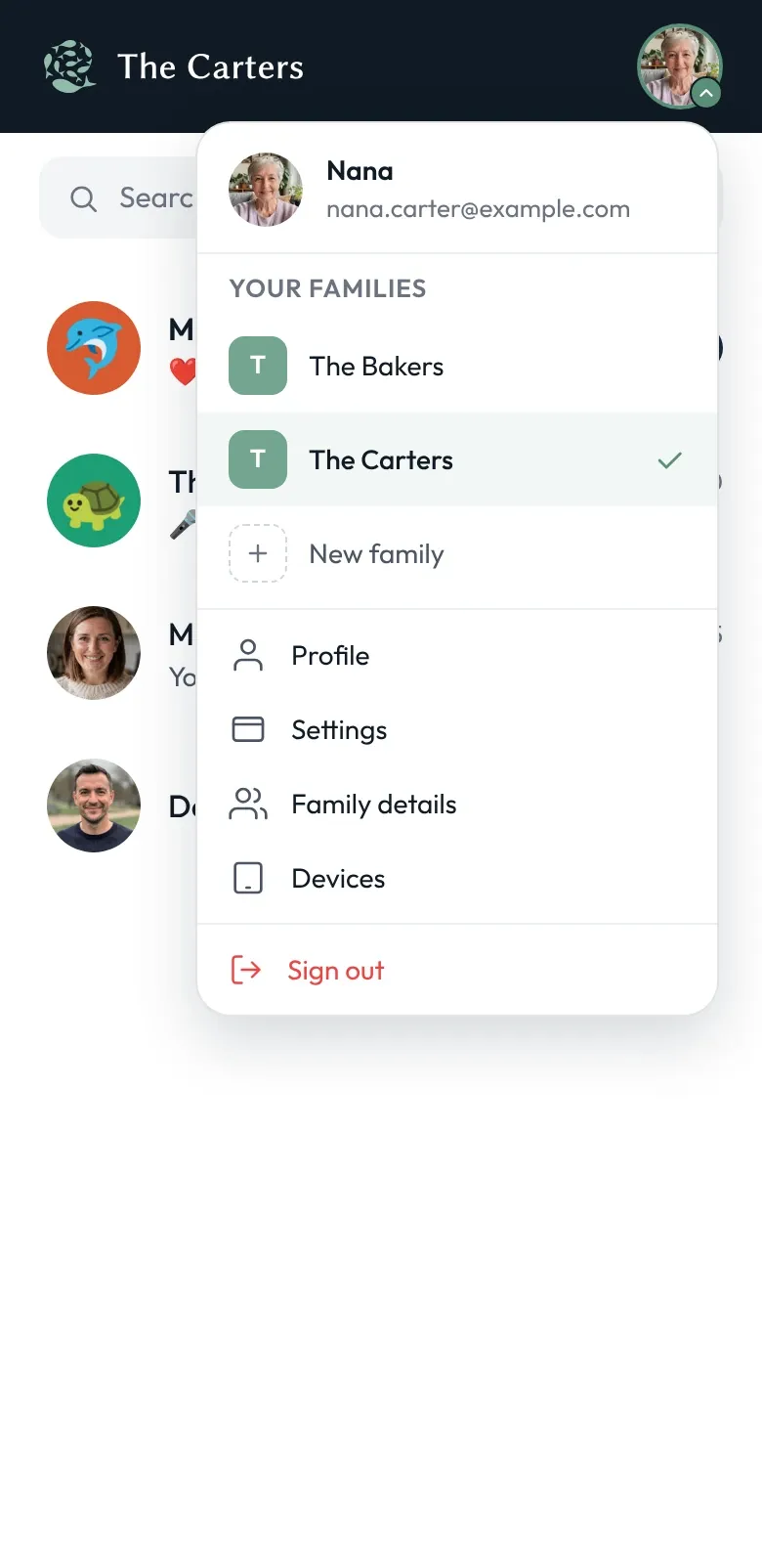
Multiple families, one account
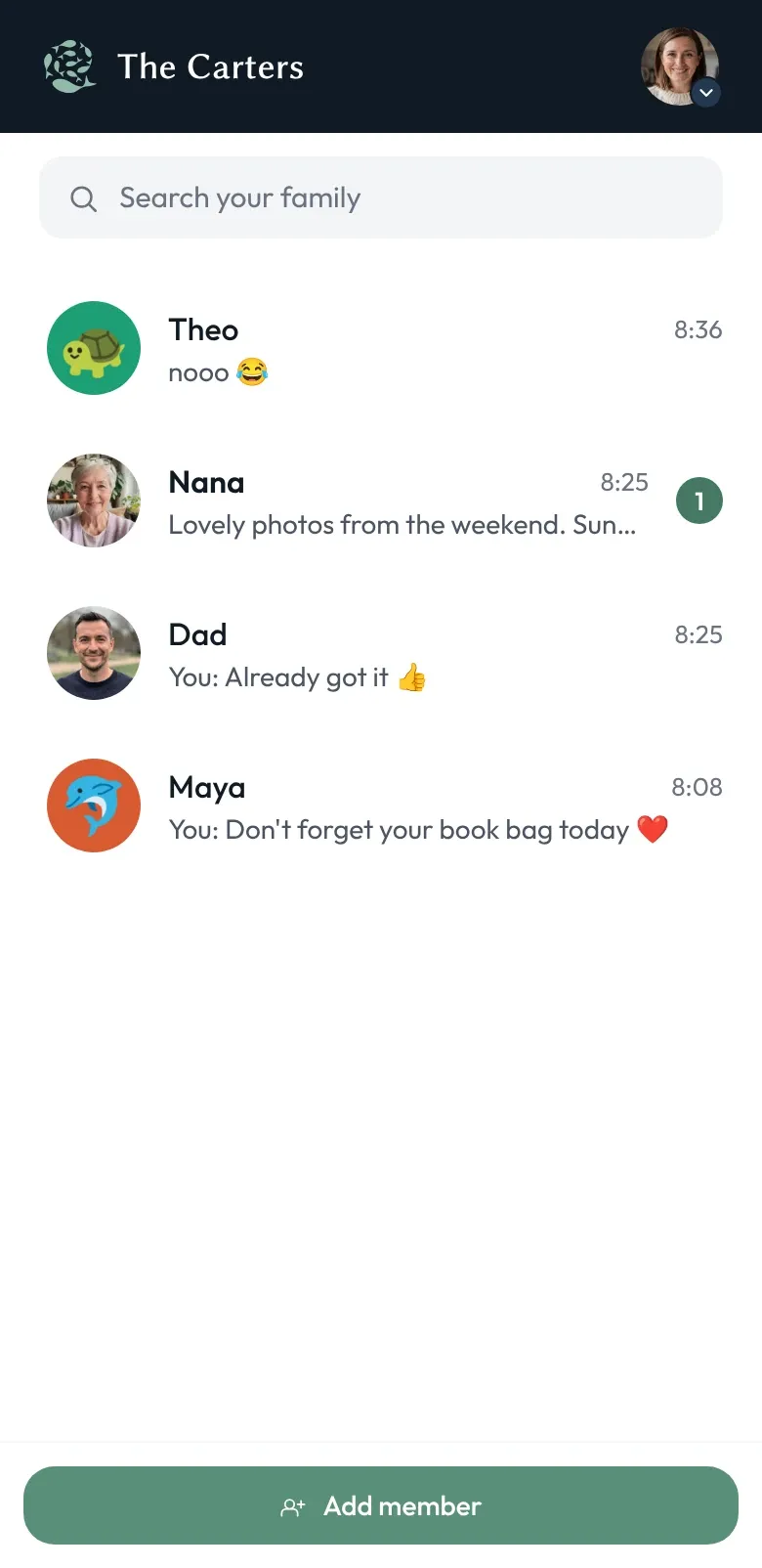
Belong to as many families as your life requires. Switch between them with a tap.
Read more -
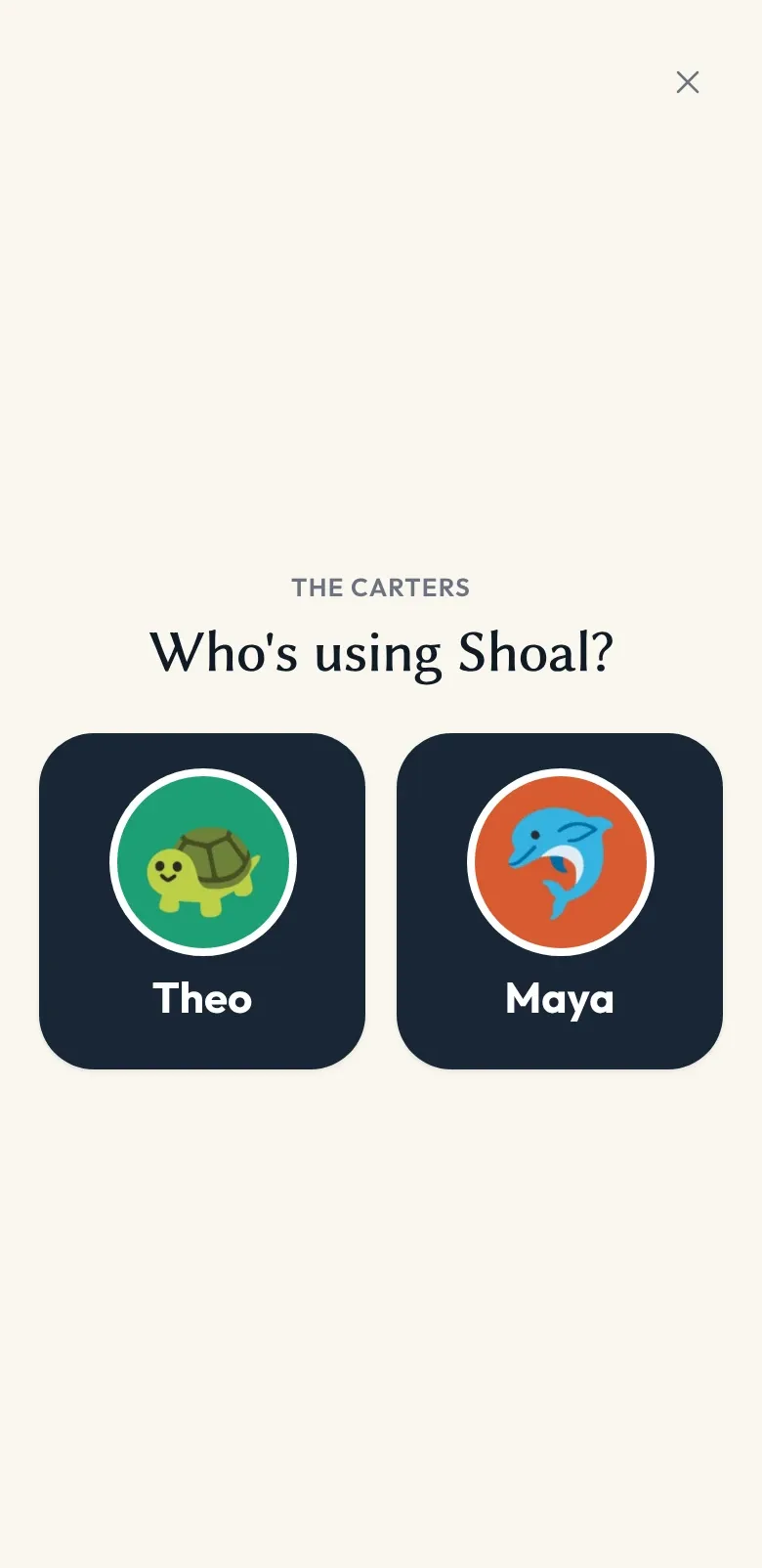
Children without an email address
Children don't need an email or a password to use Shoal. You add them to the family by name, and they appear in the picker on every family device.
Read more -
Family devices
You sign in on a shared phone or tablet and mark it as a family device. Then any of your children can pick it up and chat.
Read more -
Connections
Your child can chat with a friend from another family — once you and the friend's parent have both said yes.
Read more
Shaped for each child
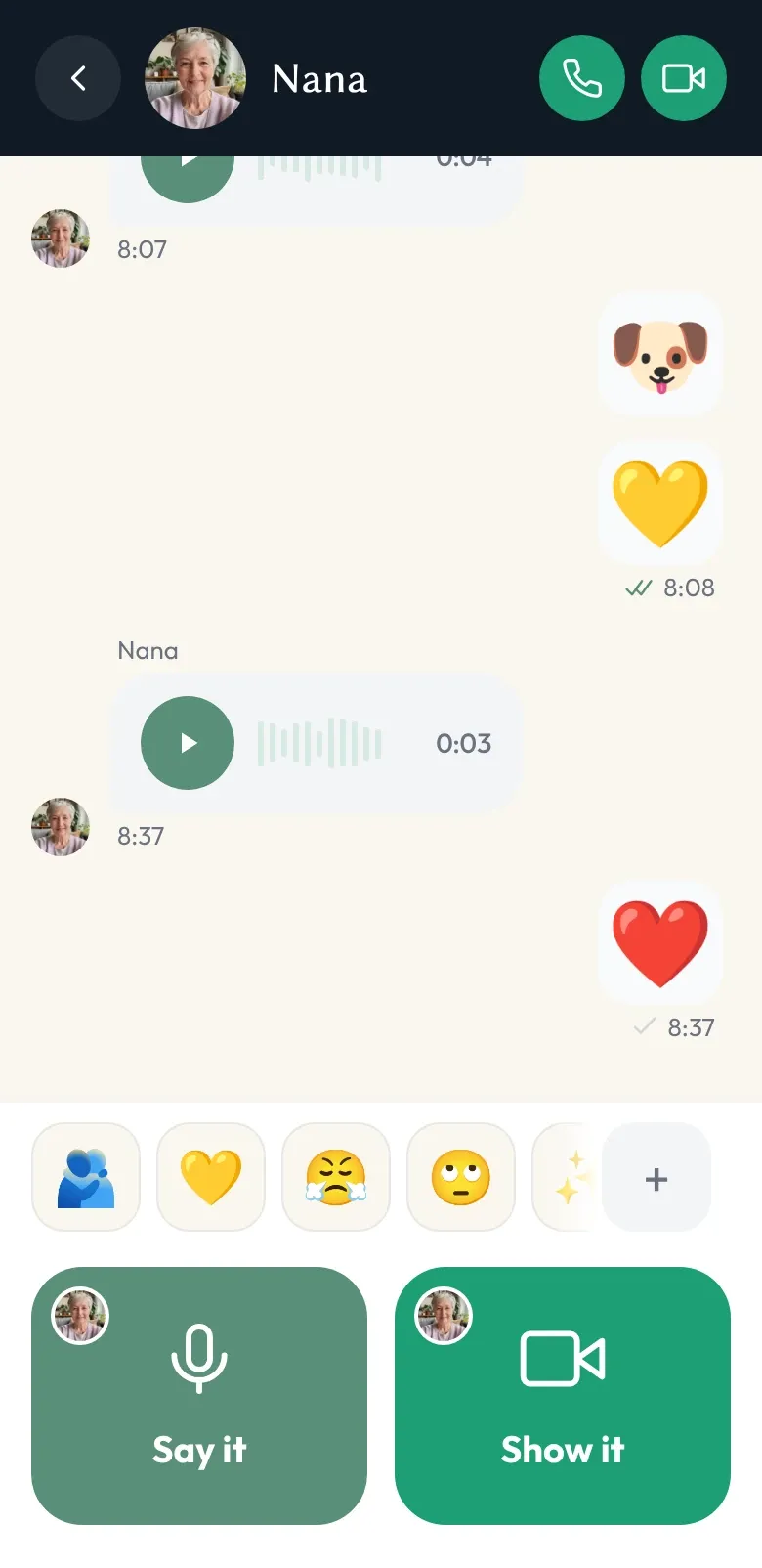
A layout for each reading age
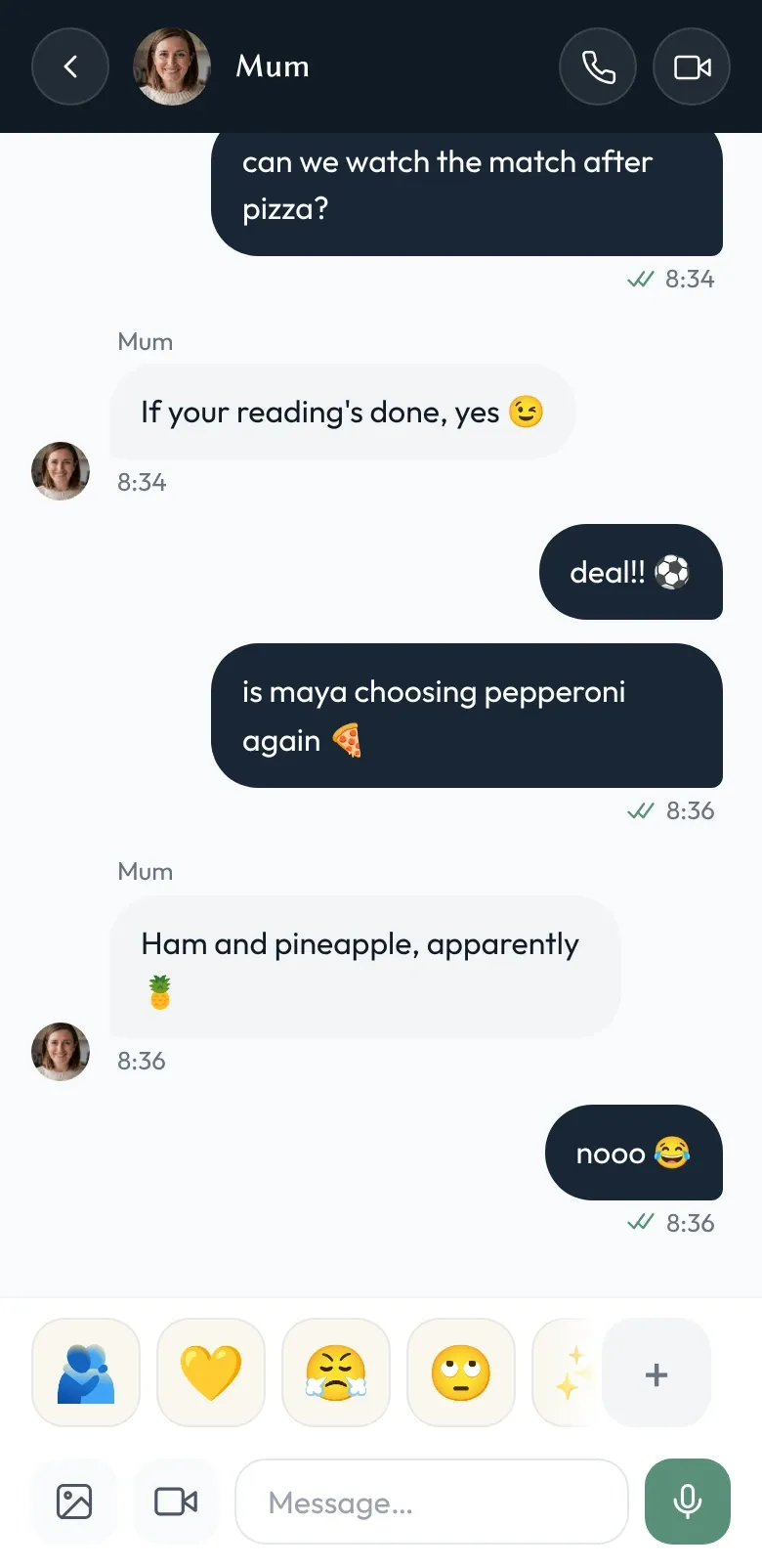
One app, shaped to fit each child — a voice-and-video interface for pre-readers, a fuller one for confident readers, and the standard app for teens and grown-ups. Everyone stays in the same conversations.
- Three skins: Reef for pre-readers, Cove for readers, Ocean for older children and adults.
- A family admin picks each child's skin; new children start on Cove.
- Everyone stays in the same conversations, whatever their skin.
-
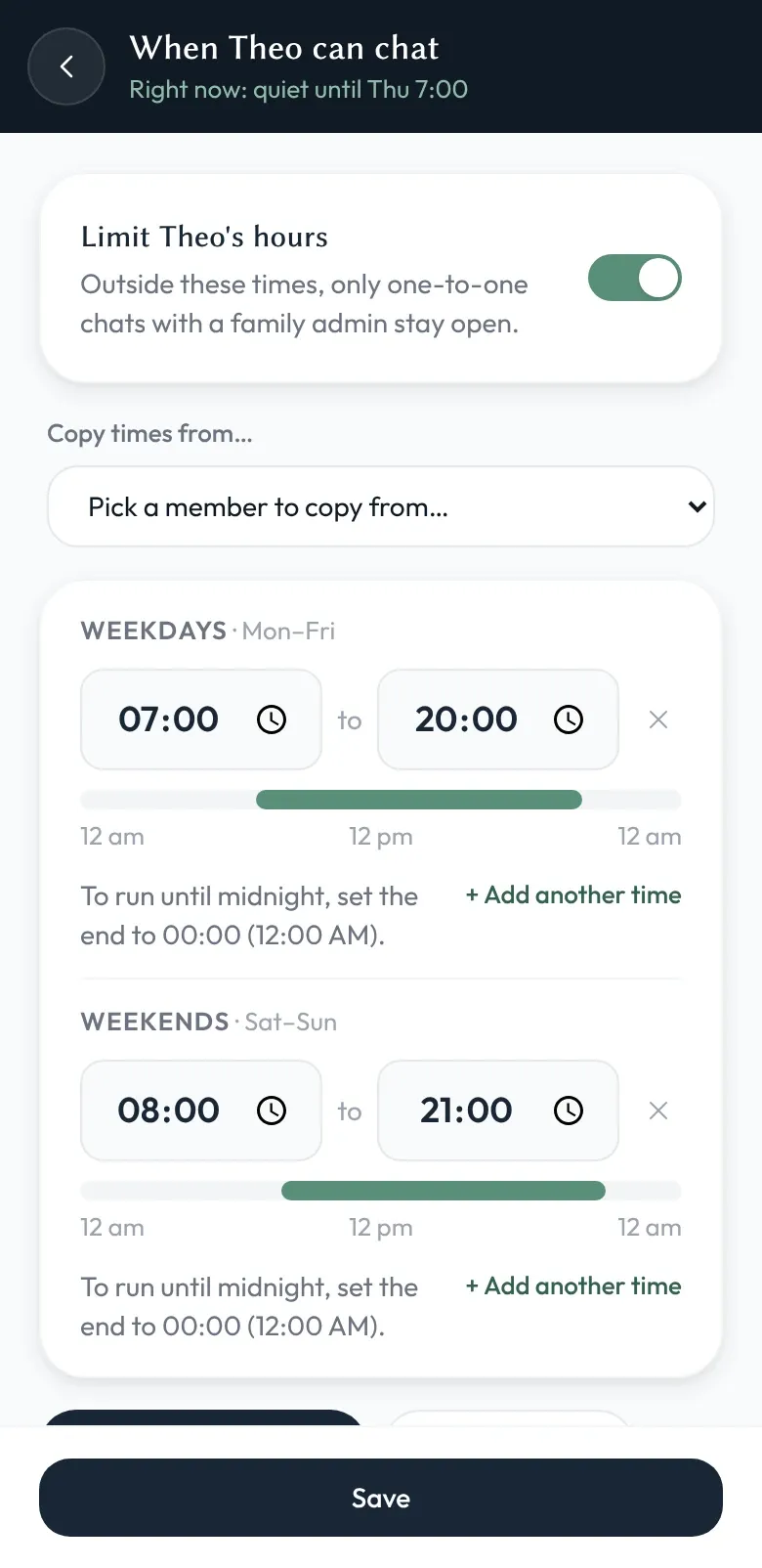
Active hours
Set the hours when chat is open for each child — one schedule for every day, or separate weekday and weekend hours — so messaging has a clear beginning and end.
Read more -
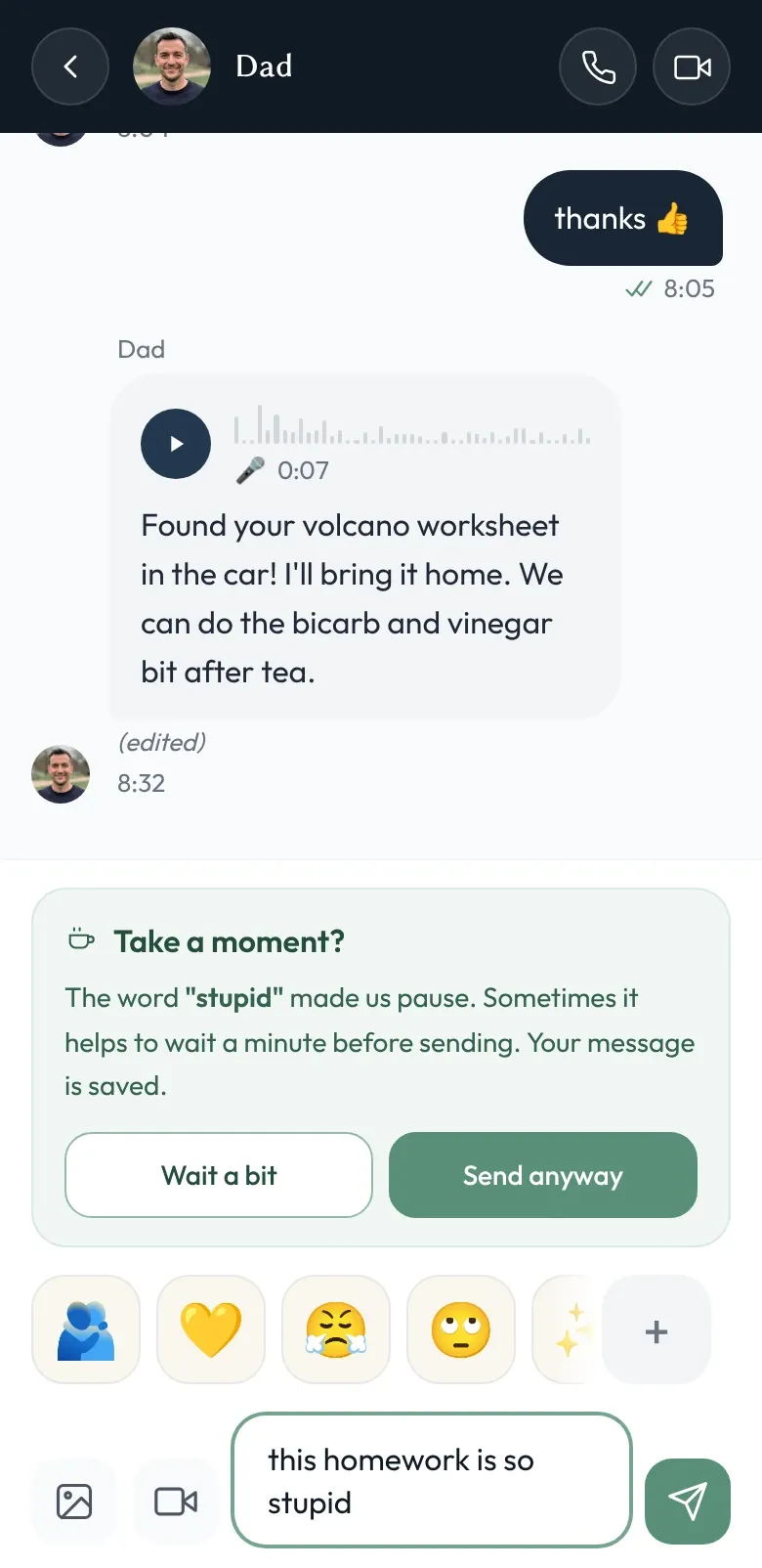
Word and link rules
Block links, stop or flag specific words, or ask your child to take a moment first — set per child, off until you add a rule. A second layer alongside admin oversight.
Read more
Everyday messaging
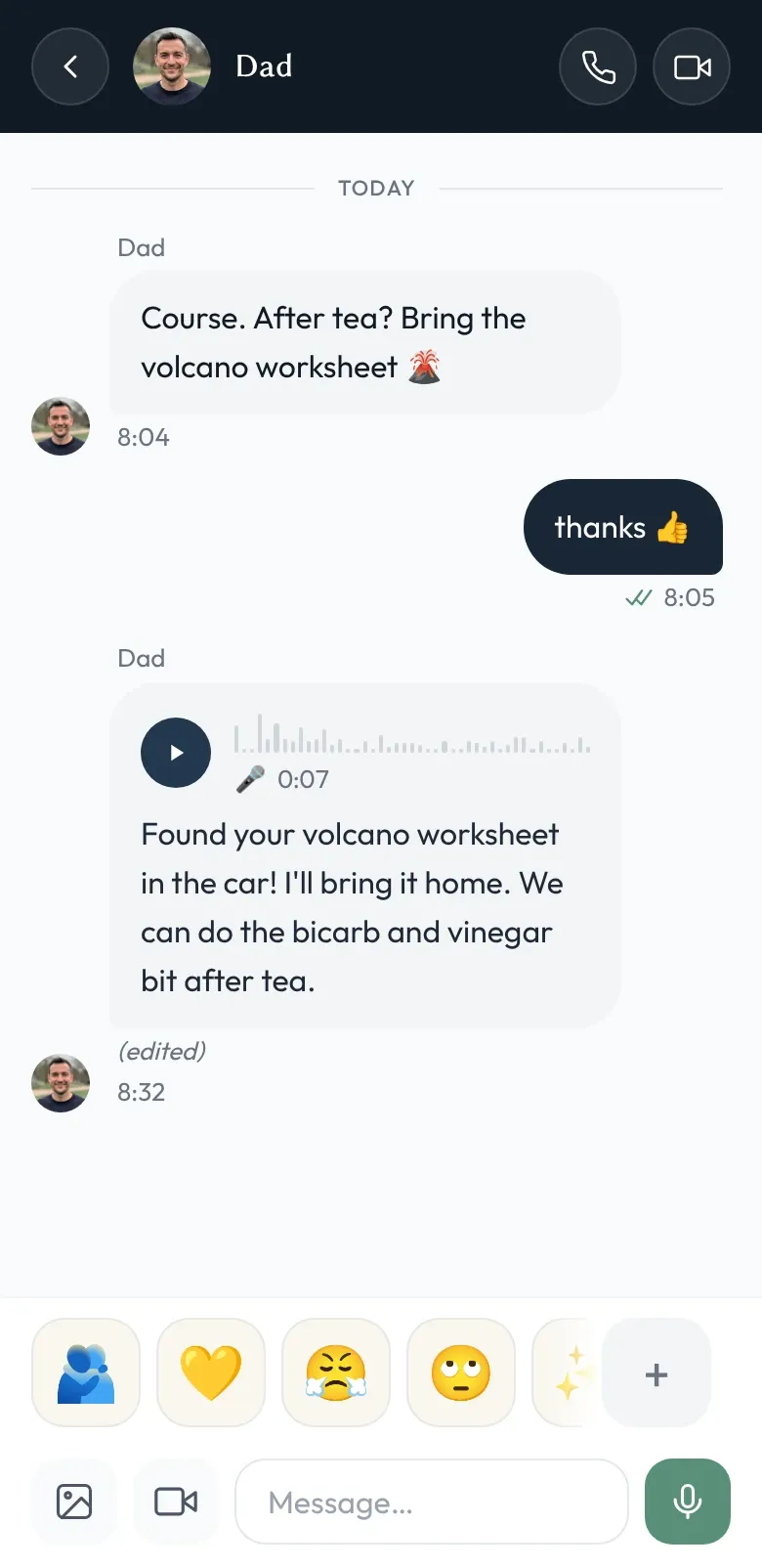
Voice notes
Record a message, send it like any other. Transcription is optional and happens on your device — our servers don't receive decrypted audio or text.
- Record a voice note and send it like any other message. It's encrypted on your device.
- Transcription is optional and runs on the device, with a downloaded speech model.
- Admin oversight covers voice notes and their transcripts too.
-
Message statuses you can trust
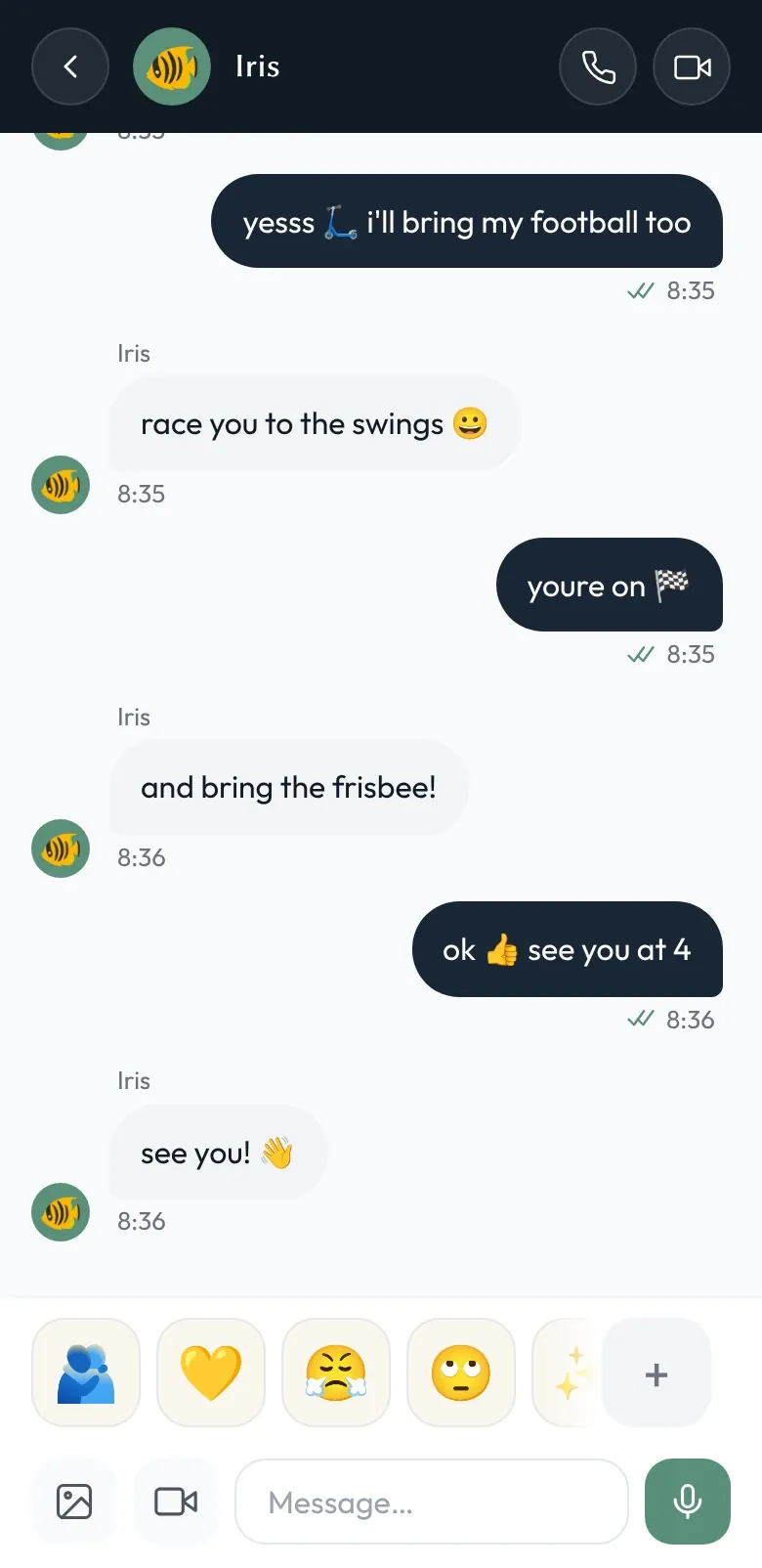
Queued, sent, received, read. Every message tells you exactly where it is — whether you're online, your recipient is online, or you're both on different trains.
Read more -
Voice and video calls
One-to-one voice and video calls, inside the same walls as everything else — your child can only call the people you've already approved.
Read more -
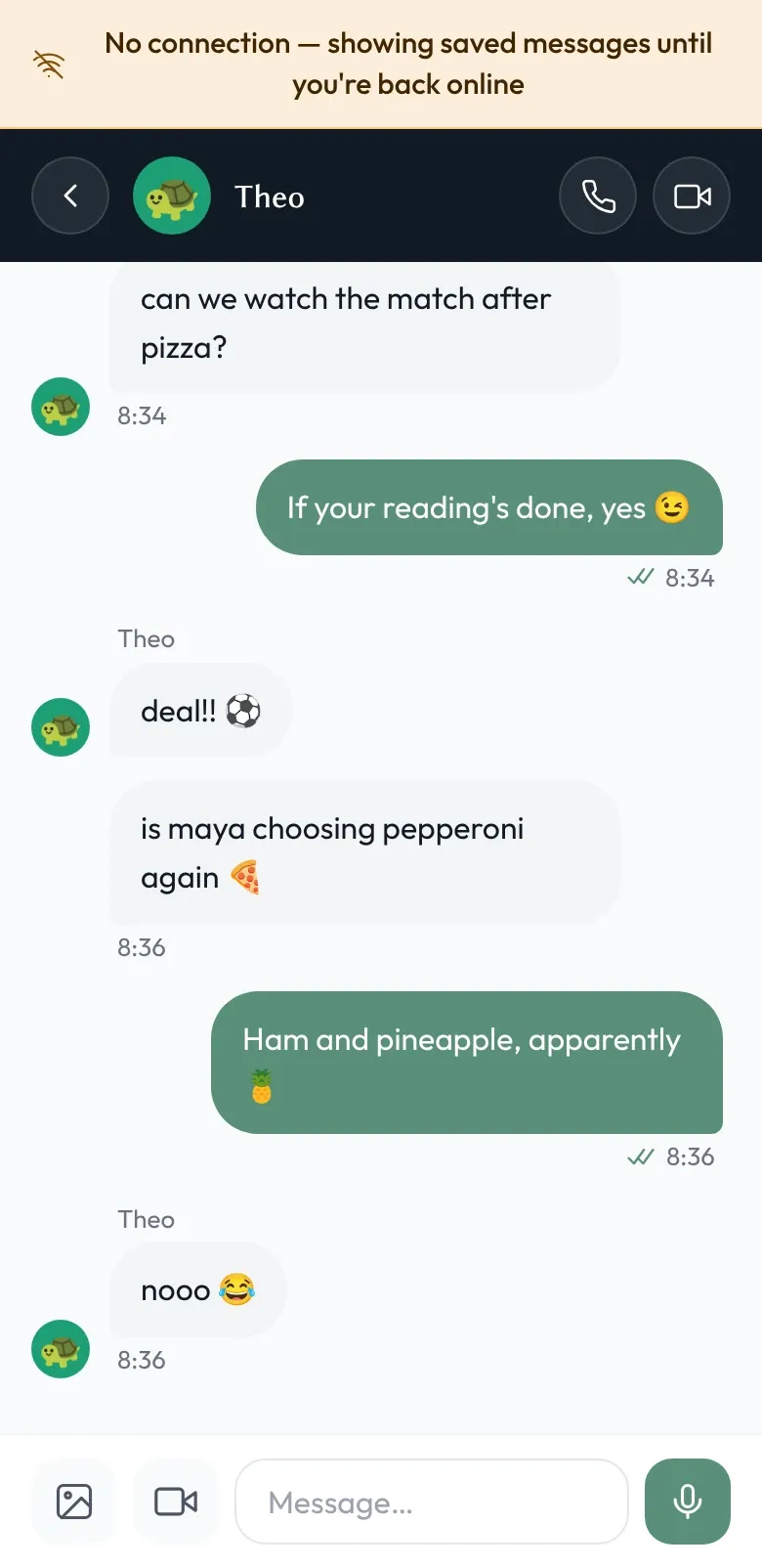
Works when the internet doesn't
Read your last conversations, write new messages, send them when you're back online. Shoal stays useful through tube journeys, school Wi-Fi blackspots, and that bit of the kitchen where the signal dies.
Read more -
Shoal for iPhone and Android
Get Shoal from the App Store or Google Play — on a new phone, an old one, or a tablet. And if you'd rather, it works in any web browser too.
Read more

Private & yours
Encryption, explained honestly
Messages are encrypted in storage and in transit. Family admins can read children's chats — that's how the safety features work. And Shoal holds the keys, which we'd rather tell you than hide.
- Messages, photos, voice notes and names are encrypted on the sending device and stored only as ciphertext.
- Shoal isn't end-to-end encrypted: we hold the keys, which is what makes oversight and account recovery possible.
- Shoal staff can't see message content, names or pictures: no code path decrypts them today, though because we hold the keys one could be built.
-
Notifications that stay private
Know straight away when family messages you — without your messages passing through Apple's or Google's push services in readable form.
Read more -
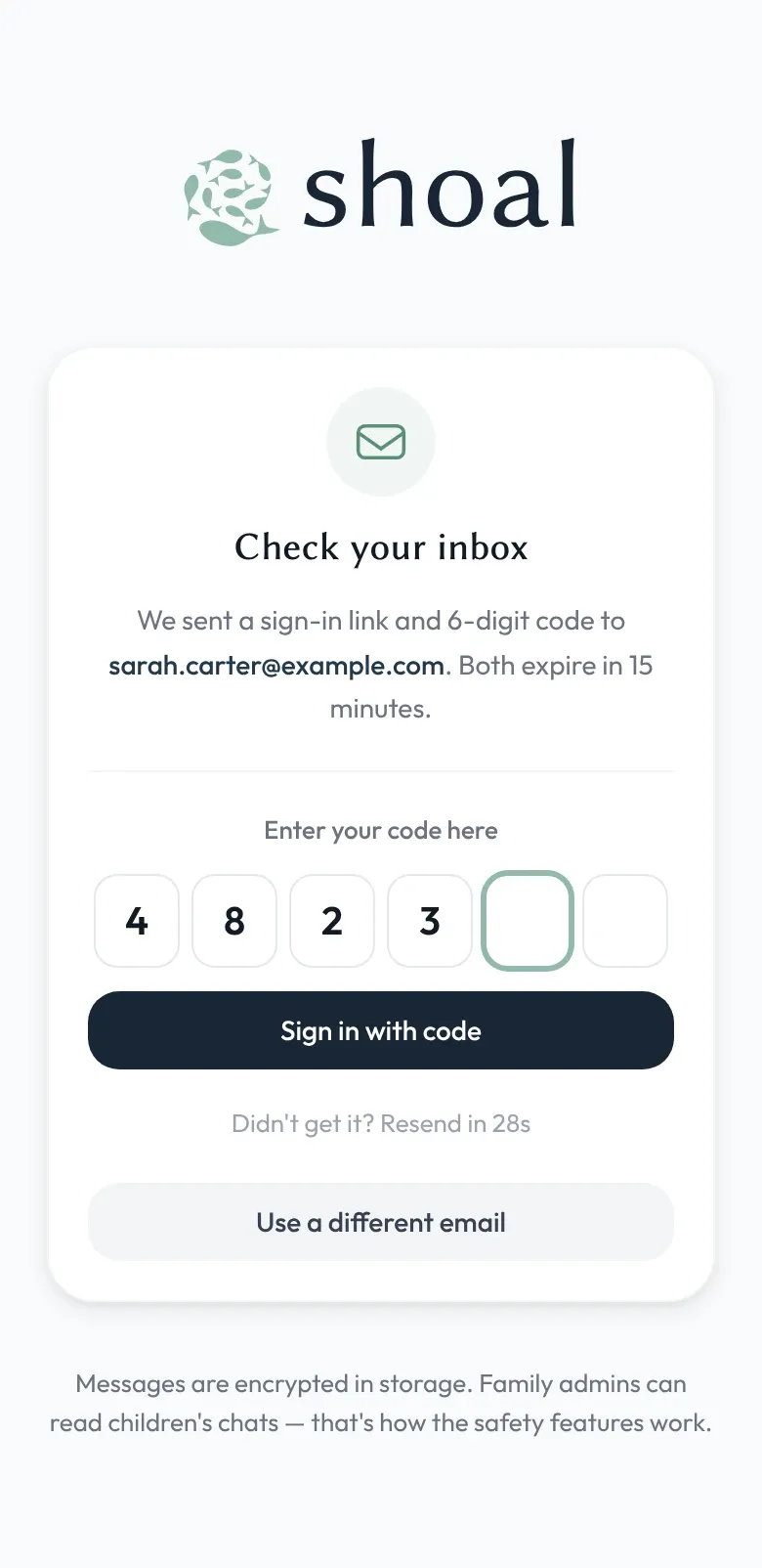
Magic-link sign in
No passwords. No "what was my password" tickets. No password reuse risk.
Read more -
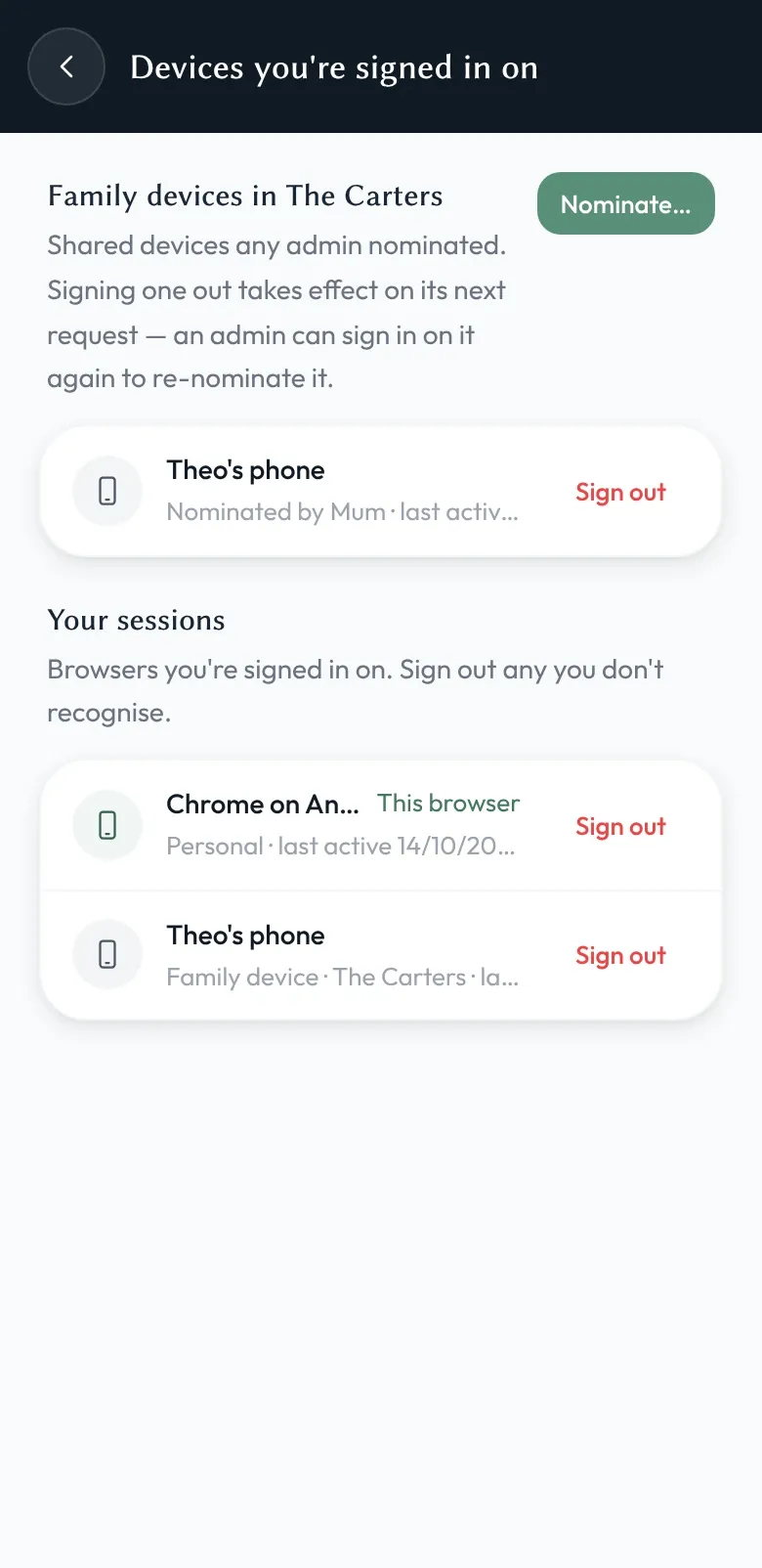
Sign out any device, from anywhere
See every signed-in device on your account. If a phone is lost, stolen, or just sold, sign it out — open connections close straight away, and offline ones can't reconnect.
Read more -
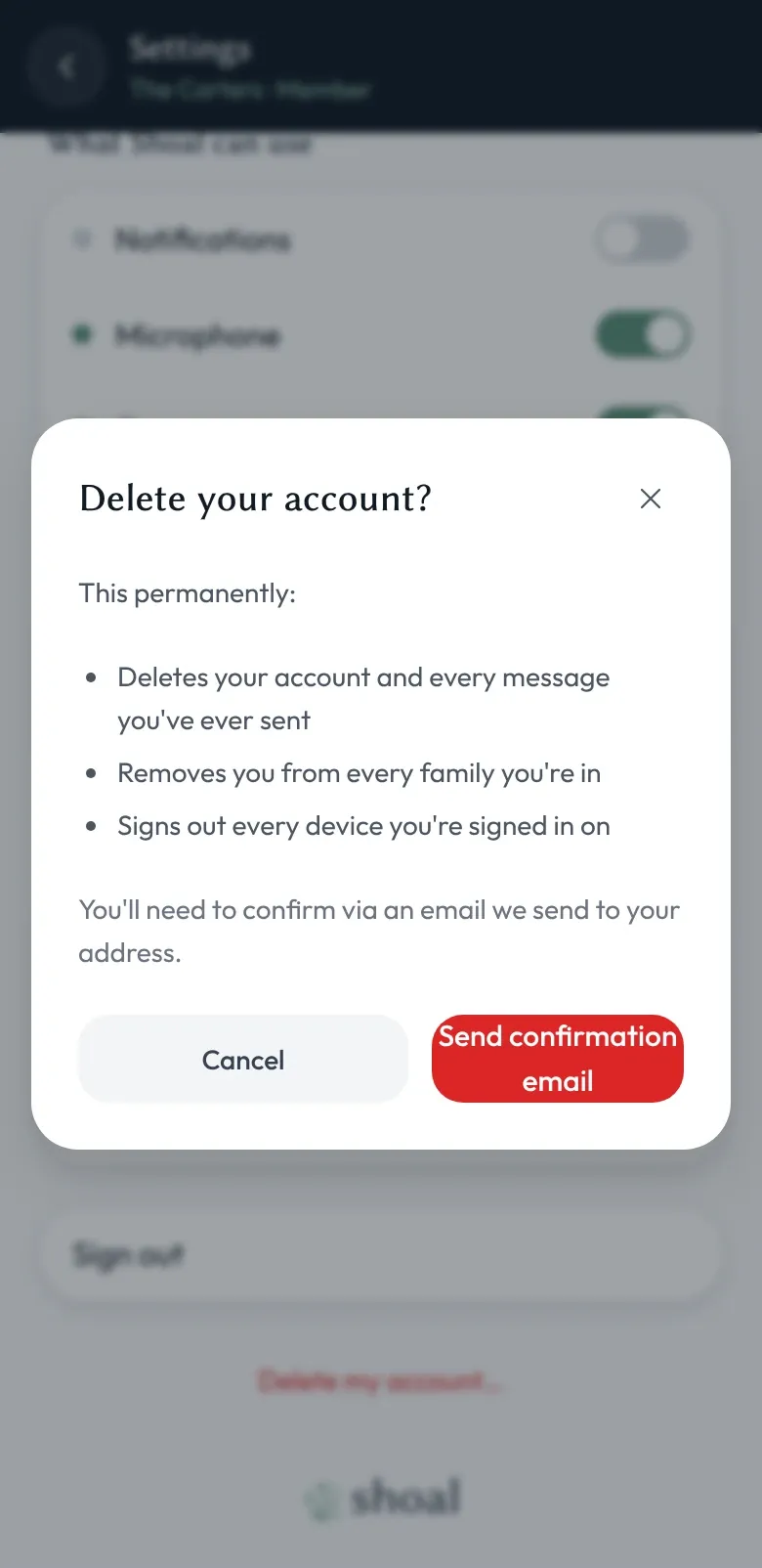
Leave or delete, on your terms
Leave a family. Delete a family. Delete your whole account. Each one is a few taps, an email confirmation, and — where it matters — a clear warning about anything that can't be undone.
Read more