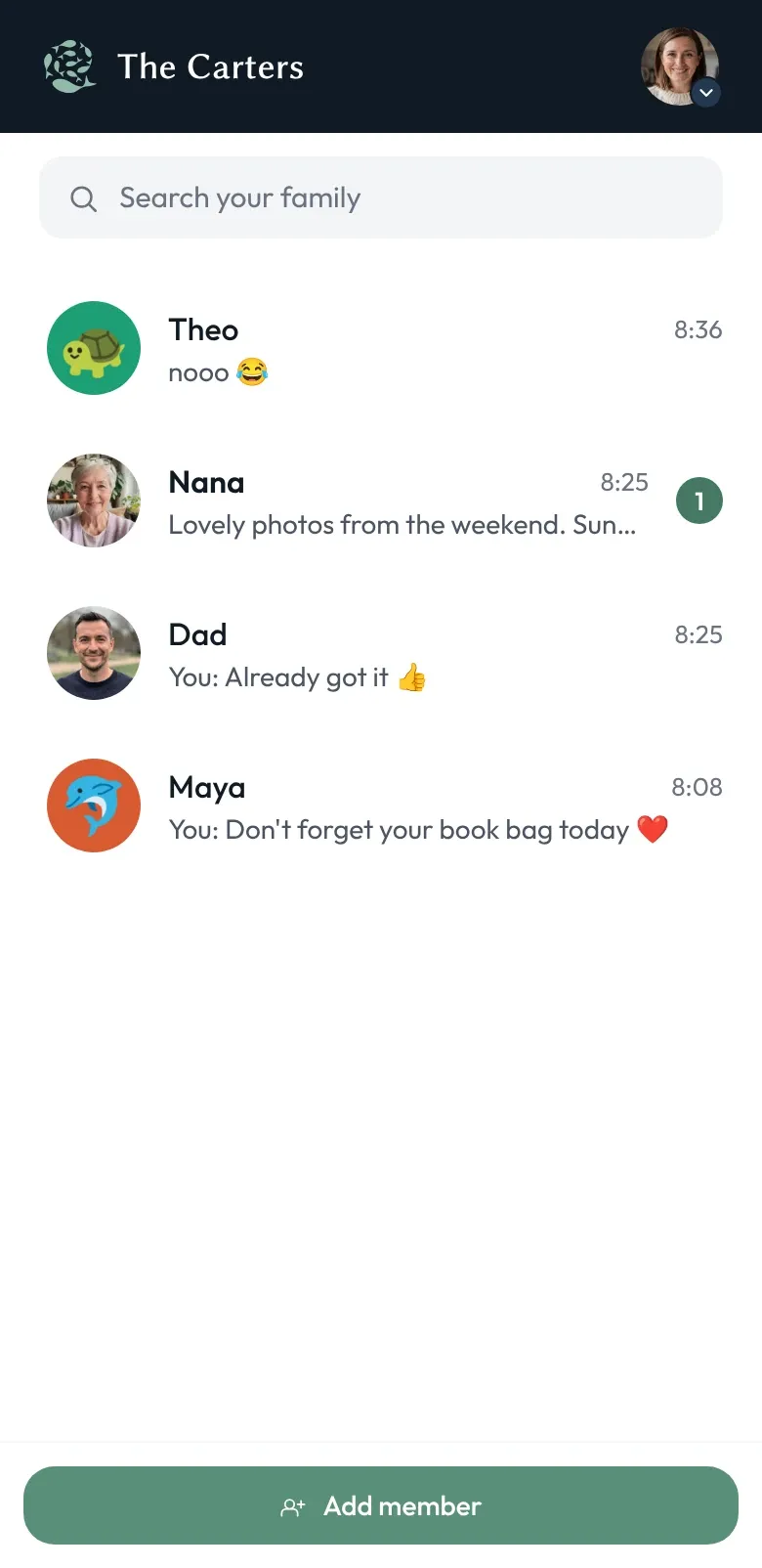
Get the app
- iPhone and iPad: Download Shoal on the App Store
- Android phones and tablets: Get Shoal on Google Play
- Anything with a web browser: open app.shoal.chat
One account works everywhere. Sign in on any of them and you’ll see the same families, the same conversations and the same settings.
Made for the phone in their hand
Shoal is built to run well on the phone your child actually has — often the one you upgraded from last year.
- Notifications that stay private. Previews are decrypted on the phone itself, so Apple’s and Google’s push services never see what your family is saying.
- Calls that come through. Voice and video calls ring through even when the app is closed.
- Photos, videos and voice notes. Share them in any conversation — encrypted before they leave the phone.
- Keys kept in secure storage. Your family’s encryption keys live in the app’s secure storage on the device, and are removed when you sign out.
Does my child need a phone number?
Children don’t need a phone number, a SIM or an email address to use Shoal. Create your family in the app on your own phone and add your child by name. Then install Shoal on the phone they’ll use, sign in as yourself, and set it up as a family device. Your child taps their own name to start.
Can we use Shoal without installing an app?
Not everyone in the family wants another app. Grandparents on a laptop, a child on a school Chromebook, a parent at a work computer — they can all use Shoal at app.shoal.chat, and add it to their home screen if they like. It’s the same Shoal, with the same encryption and the same rules.