Why a schedule, not a daily quota
Many parental control products think about screen time as a daily quota — three hours a day, used however the child likes. That’s fine for general device use, but it’s a poor fit for messaging. A child either is or isn’t around to chat. What you actually want isn’t a quota; you want a schedule: chat is open at these times, and not at others.
Shoal builds that schedule into the app.
Are active hours on by default?
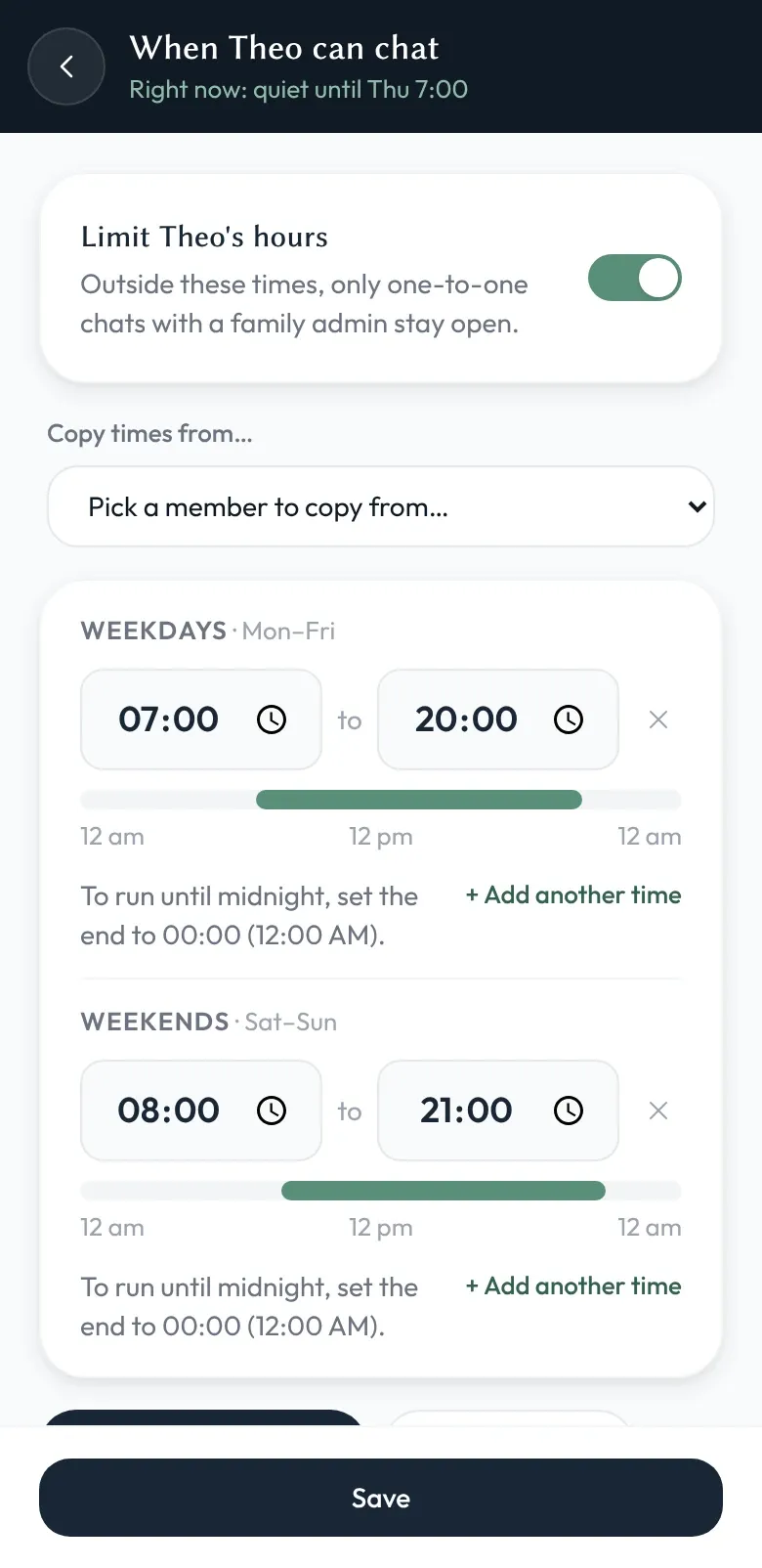
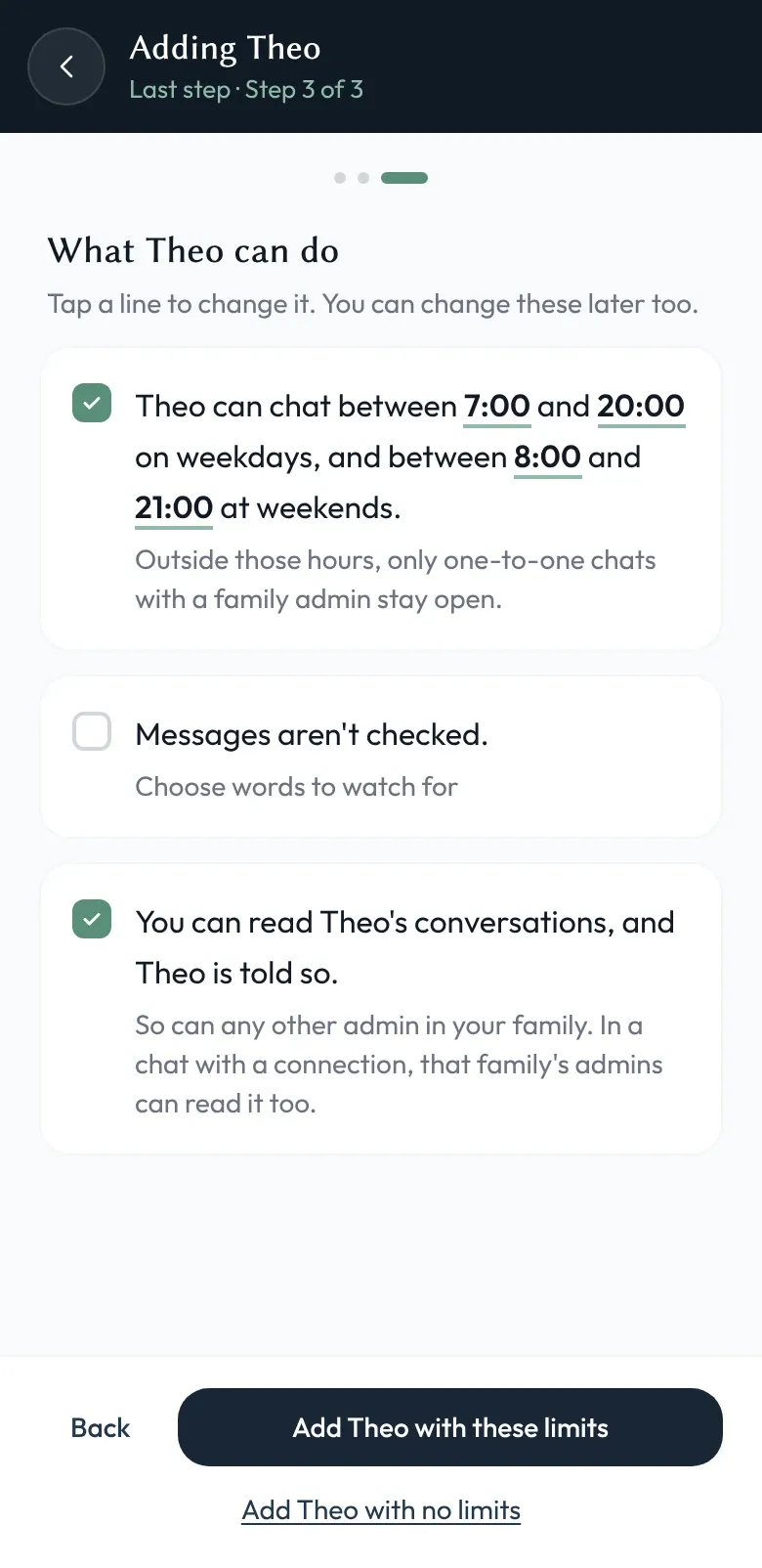
When you add a child, active hours are already switched on: 7am to 8pm on weekdays and 8am to 9pm at weekends. Tap straight through and your child is still protected; change the hours whenever you like. Times follow your phone’s clock, so you’ll see “7:00 am” or “07:00” depending on how your phone is set.
Can weekends be different from weekdays?
Yes. Each child’s schedule is set by a family admin (usually a parent, but any adult you trust). You can choose between:
- Every day. The same windows apply to every day of the week. The simplest option.
- Weekdays and weekends. Monday to Friday gets one set of hours, Saturday and Sunday another. The most common choice once school shapes the week.
- Day by day. Different hours for each of the seven days — for after-school clubs, sports on a Saturday, or different routines on different days.
Each schedule supports several windows a day. A typical school day might open chat from 7:00 to 8:30 in the morning, 15:30 to 17:30 after school, and 18:30 to 19:30 in the evening, with the rest of the day quiet. Outside the windows, that child’s chats pause: the device doesn’t buzz with notifications, and new messages wait until the next window opens. The exception is a one-to-one chat with a family admin, which stays open so your child can still reach you, and you them.
How it fits with the rest of Shoal
Active hours work alongside admin oversight and Connections. The same family admins who decide who a child can talk to also decide when.
And because the schedule lives in the app rather than being negotiated in the moment, the conversation about “can I have five more minutes” stops being a conversation. The app simply isn’t where that decision is made.