TL;DR
iMessage is genuinely lovely if every device in your household has an Apple logo on it. The moment one device doesn’t — a grandparent’s Samsung, a student’s Chromebook, a child’s hand-me-down Android tablet — that person drops out of iMessage into a green-bubble RCS or SMS chat. It works, but iMessage’s own features fall away, and encryption depends on the mobile network. Shoal makes the same conversation work on every device, identically.
What iMessage does well
For Apple-native households, iMessage is hard to beat. End-to-end encryption between Apple devices, FaceTime integration, message effects, deep iOS polish, sticker packs, Tapbacks and Memoji, all free over Wi-Fi or mobile data. If you’ve set up Family Sharing with a Child Account, you also get Screen Time, Communication Safety (which blurs nude or violent images on the child’s device) and Allowed Contacts (called Communication Limits before iOS 27), which can make a child ask before contacting anyone new.
When everything is Apple, very little we could build matches the integrated feel of iMessage.
Where Shoal is different
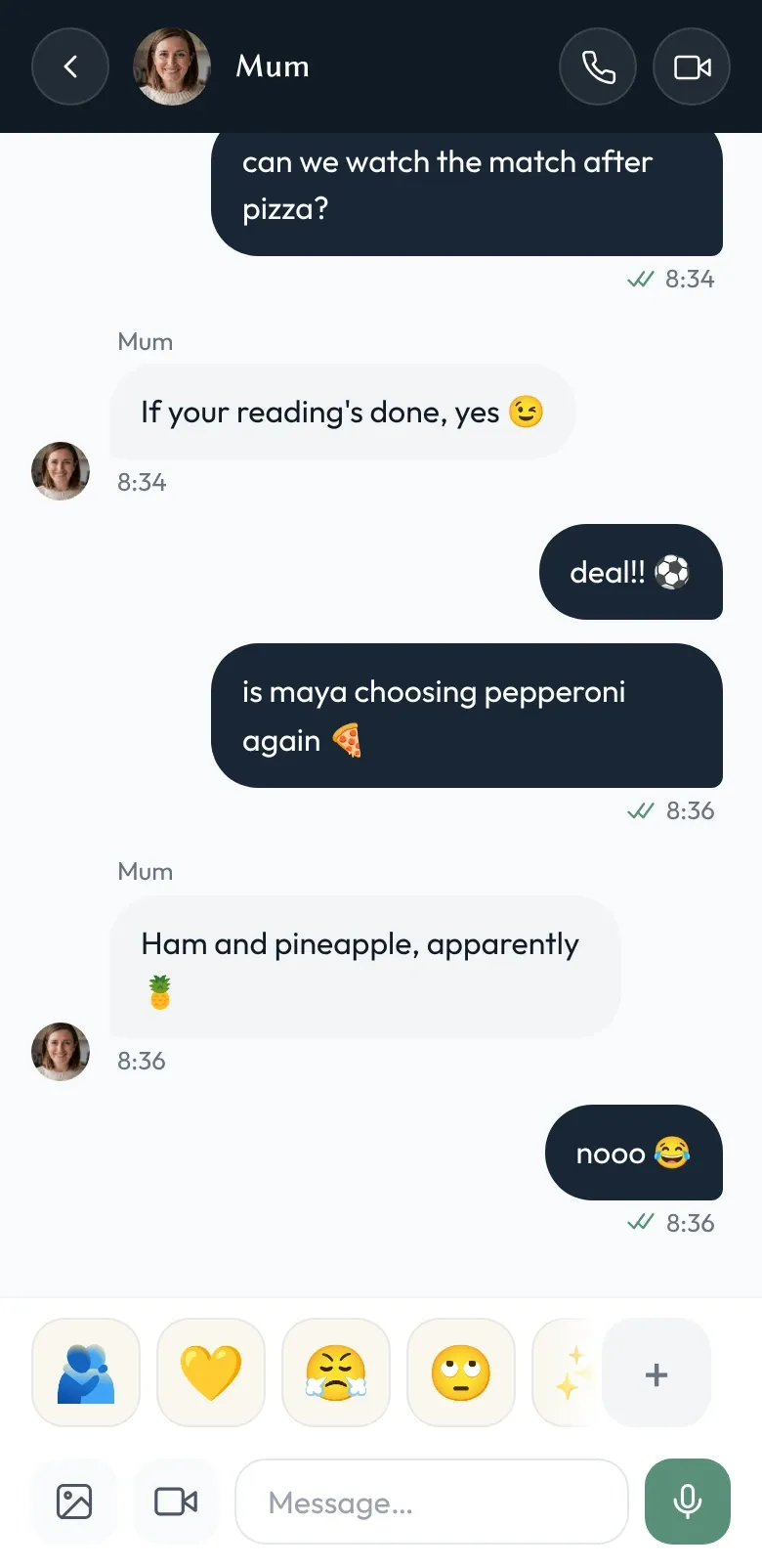
Truly cross-platform. Shoal has apps for iPhone and Android, and runs in the browser on laptops and Chromebooks. There are no green bubbles, and no fallback to a text message. The grandparent on Android has the exact same experience as the kid on an iPad.
No Apple Account required. A child on Shoal doesn’t need an Apple Account, a phone number or an email address. A family admin (usually a parent, but could be any adult you trust) adds them to the family by name, and they pick themselves on a family device.
Family-shaped, not phone-shaped. iMessage is a messenger addressed by phone number or Apple Account, with a family layer (Family Sharing) around it. Shoal is structured the other way around: families are first-class, devices belong to families, and one account can belong to several families at once.
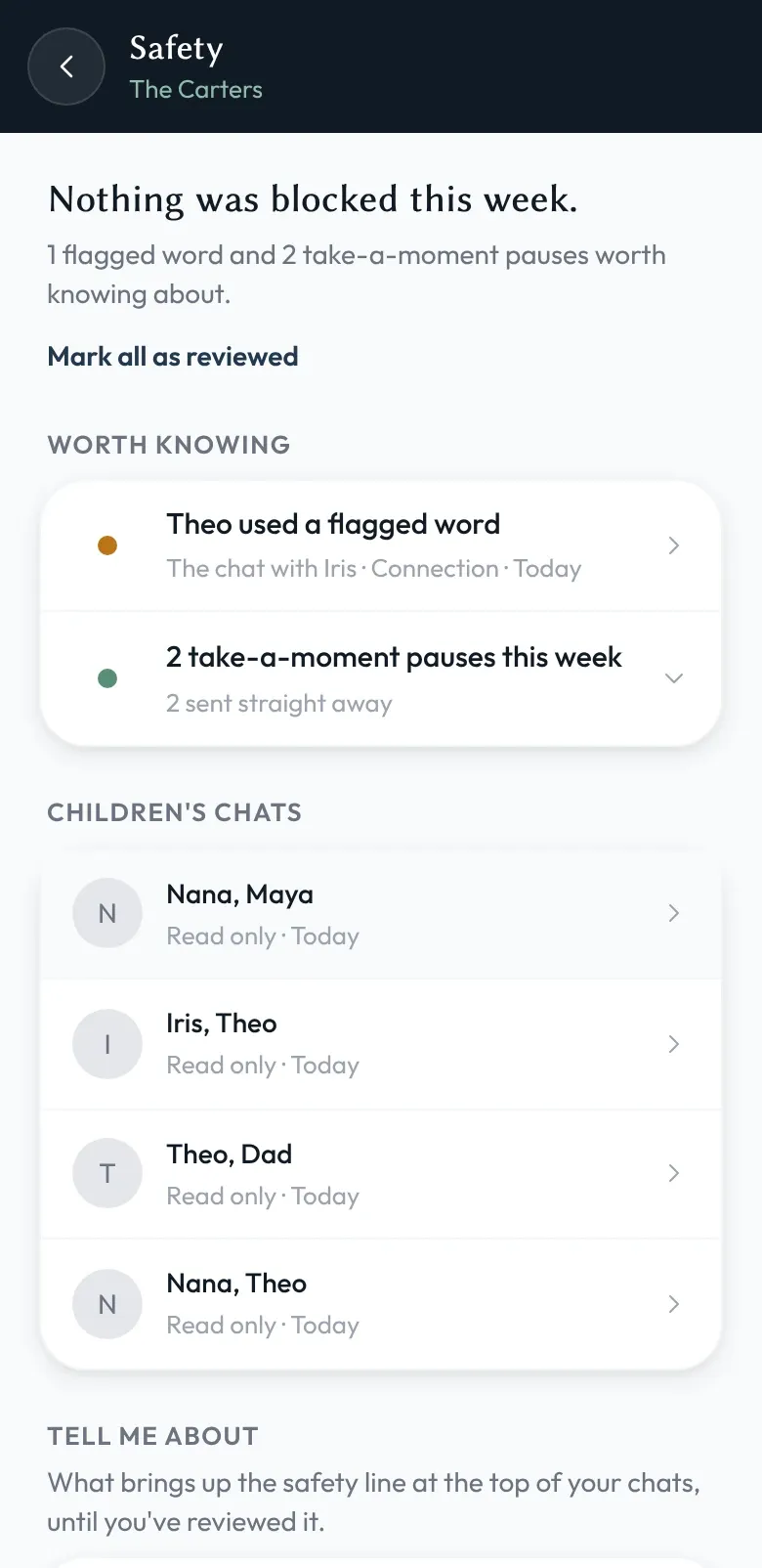
You can see the conversations. Apple’s tools control access: you can approve new contacts, set time limits and see usage reports, and Communication Safety warns the child about nude or violent images and suggests they talk to you, but doesn’t tell you itself. What they don’t do is show you the chats. In Shoal, family admins can read their children’s chats in a read-only view — that’s how the safety features work.
Side by side
| Shoal | iMessage | |
|---|---|---|
| End-to-end encrypted | No — encrypted on the device, but Shoal holds the keys (see /security) | Yes, between Apple devices. Synced history is end-to-end encrypted unless iCloud Backup is on; Advanced Data Protection closes that gap but isn’t offered to new UK users |
| Works on Android | Yes | No. Android users can message iPhones over RCS or SMS, but not in iMessage itself |
| Works on Windows / Linux / Chromebook | Yes (web) | No (Windows can relay basic one-to-one messages from a paired iPhone through Phone Link) |
| Account required for child | No (family device) | Apple Account (a Child Account set up through Family Sharing) |
| Parental oversight model | Family admins read children’s chats | Screen Time (including approving new contacts), Communication Safety, Family Sharing. Parents don’t see the chats |
| Phone number required | No | For SMS and RCS with Android; iMessage between Apple devices can use an email address |
| Owner | Independent UK company | Apple Inc. |
When to pick which
Pick iMessage if your entire family is on Apple devices and likely to stay that way. The integration is excellent and you’d be giving up real polish to switch.
Pick Shoal if any member of your family is — or might be — on a non-Apple device, or if you want to be able to read your child’s chats rather than only control who they can contact.
iMessage, FaceTime, iCloud, and Apple Family Sharing are trademarks of Apple Inc. We have no affiliation with Apple.